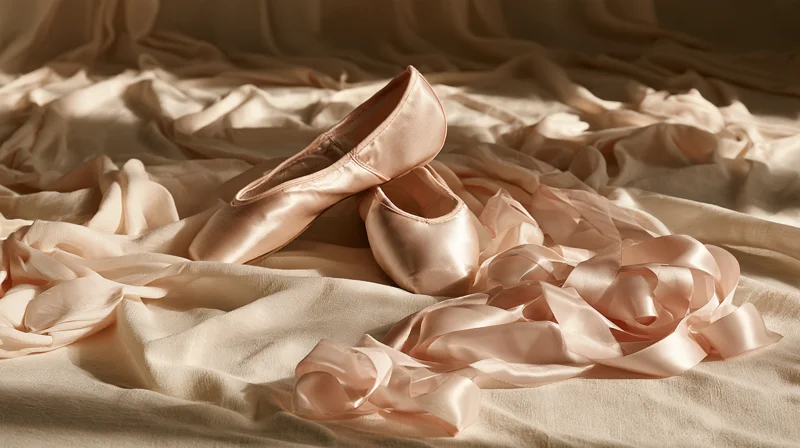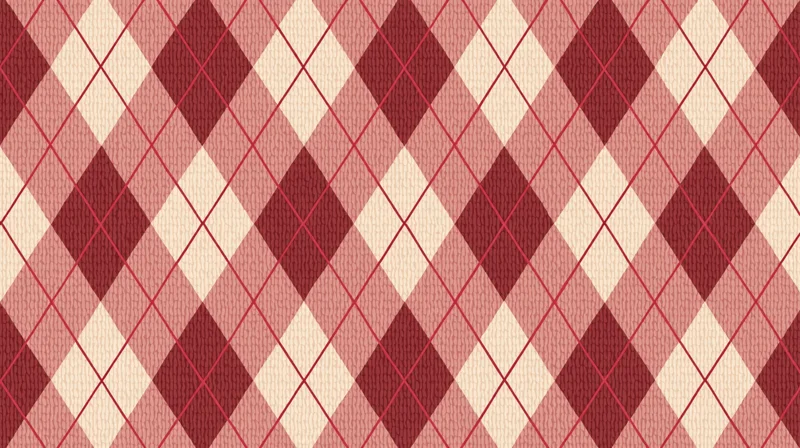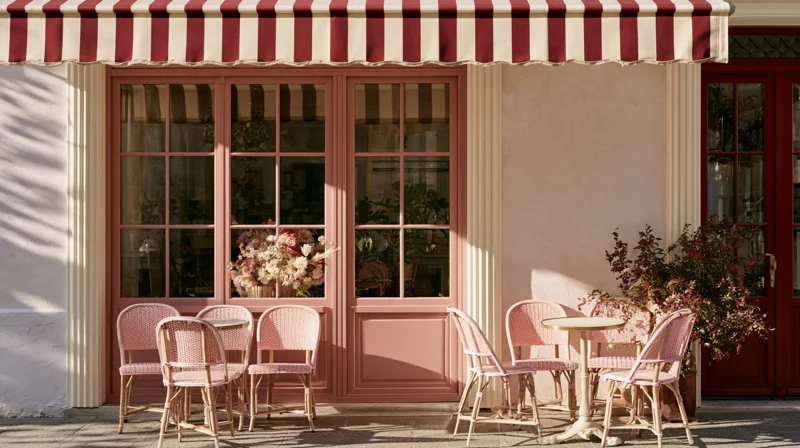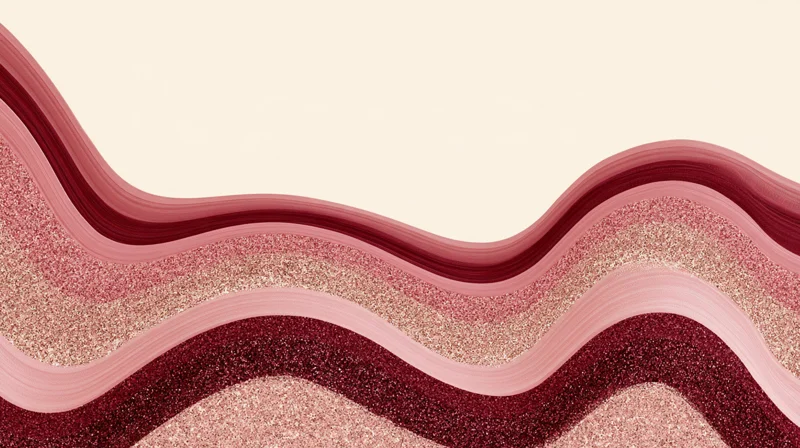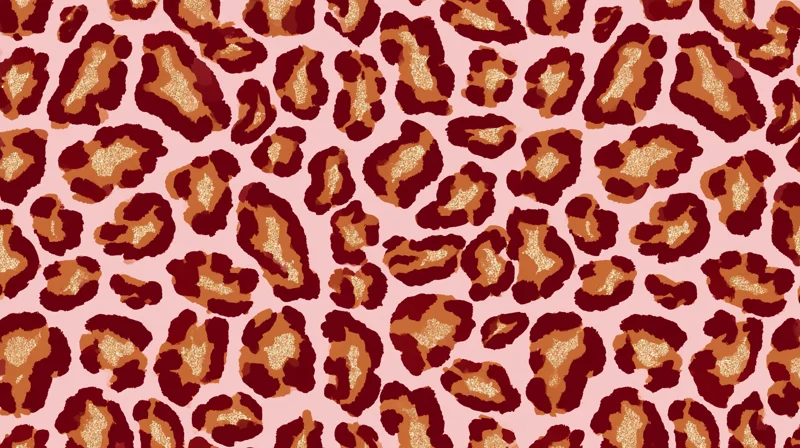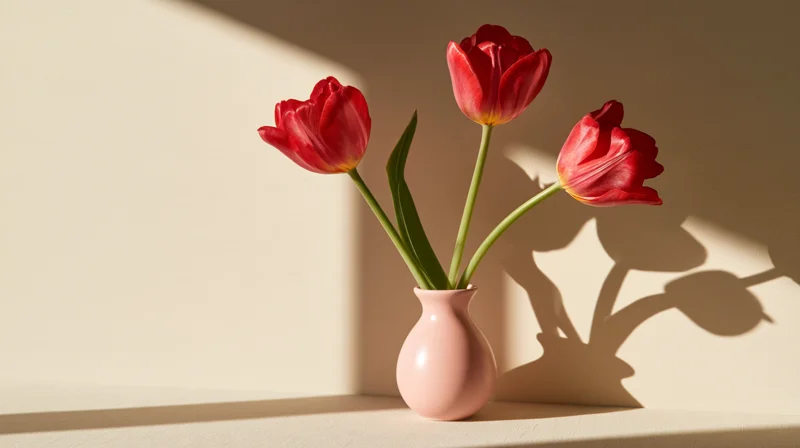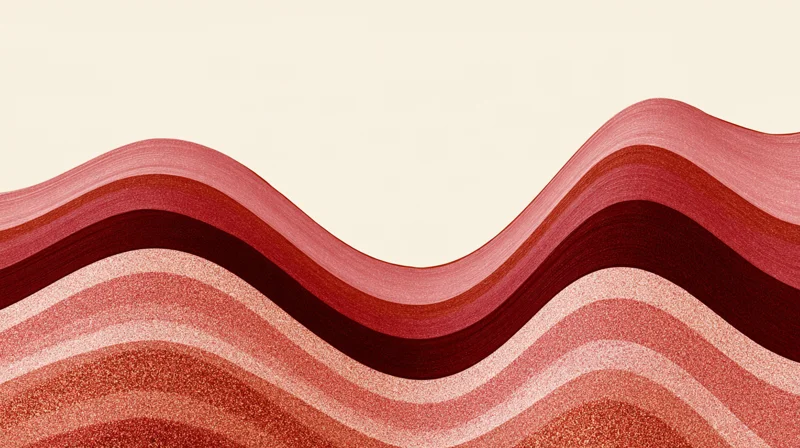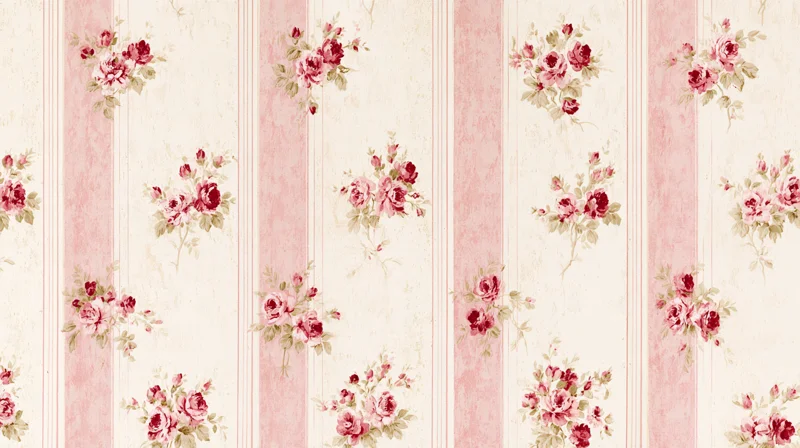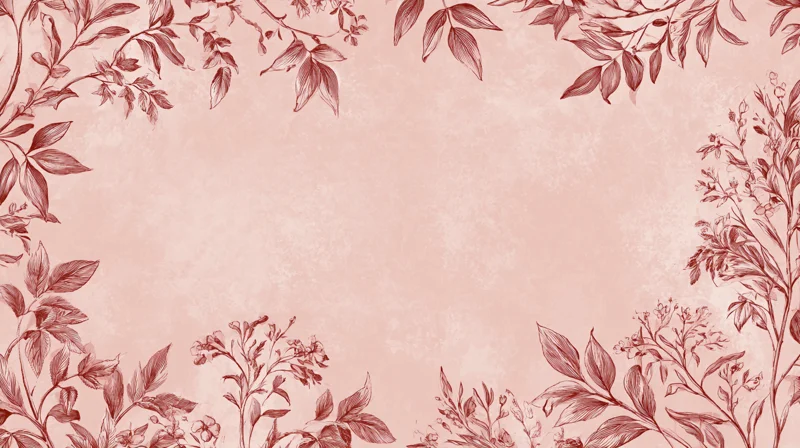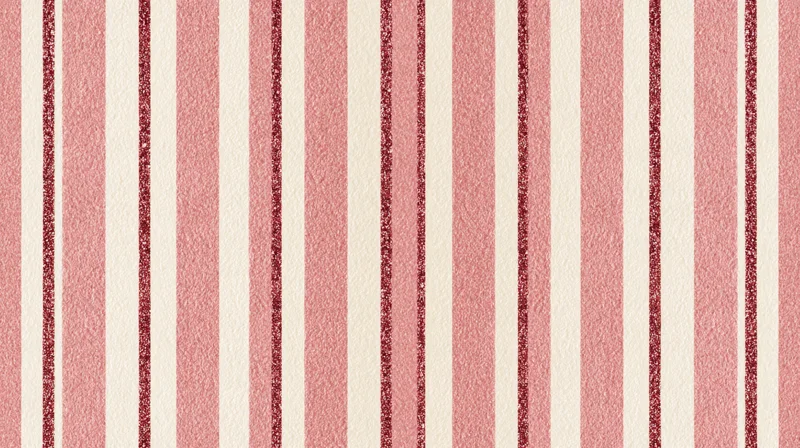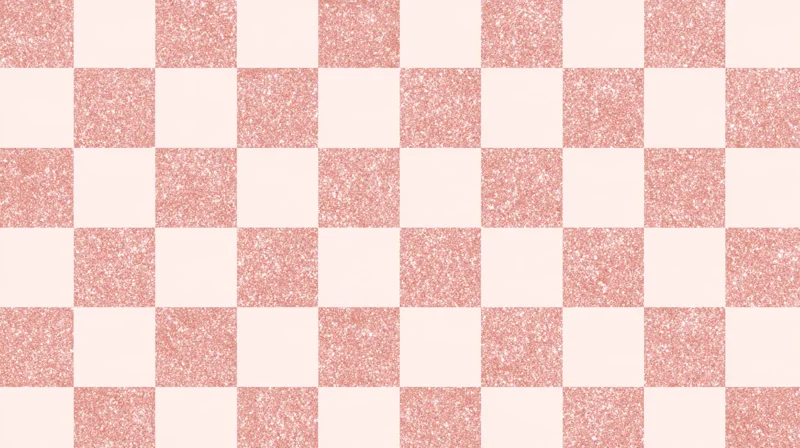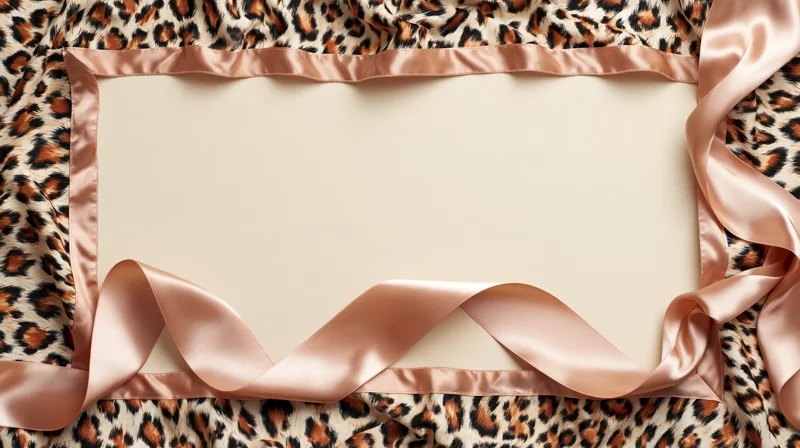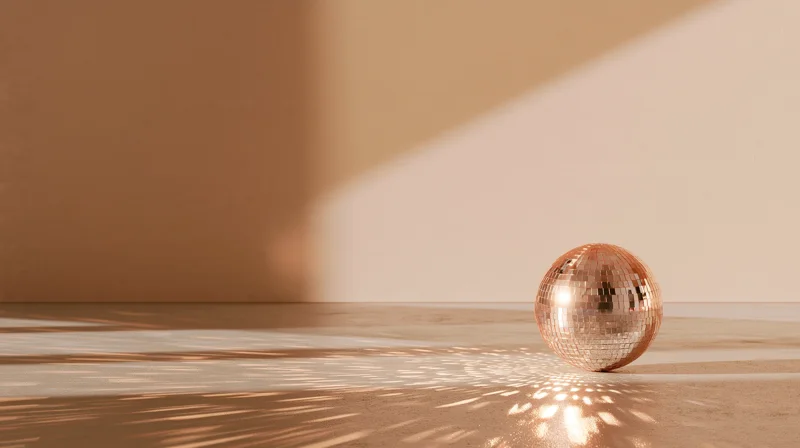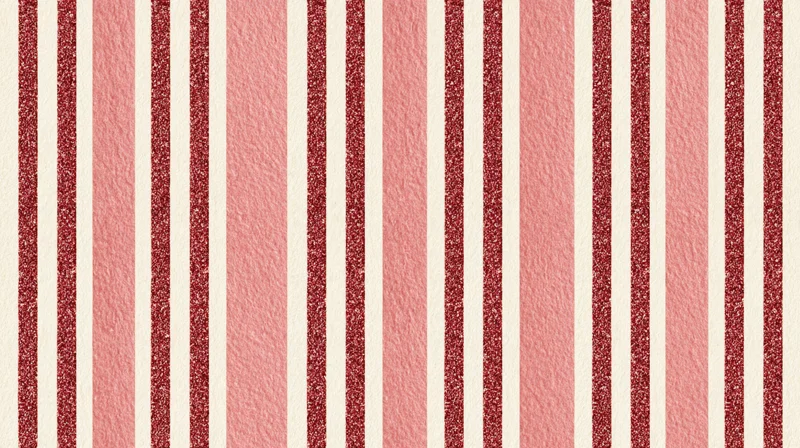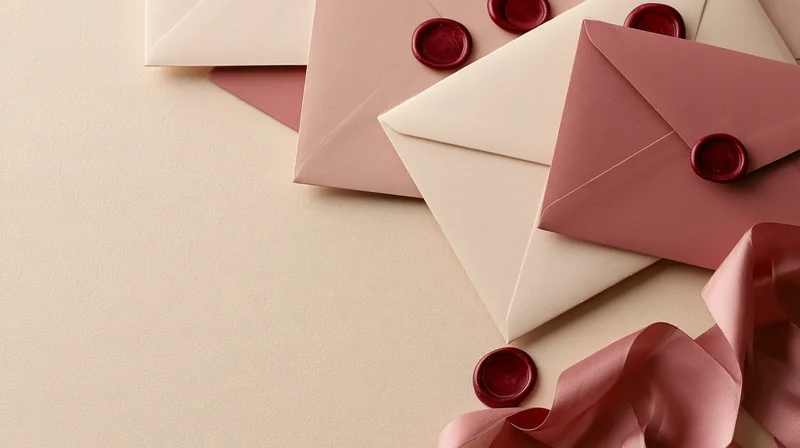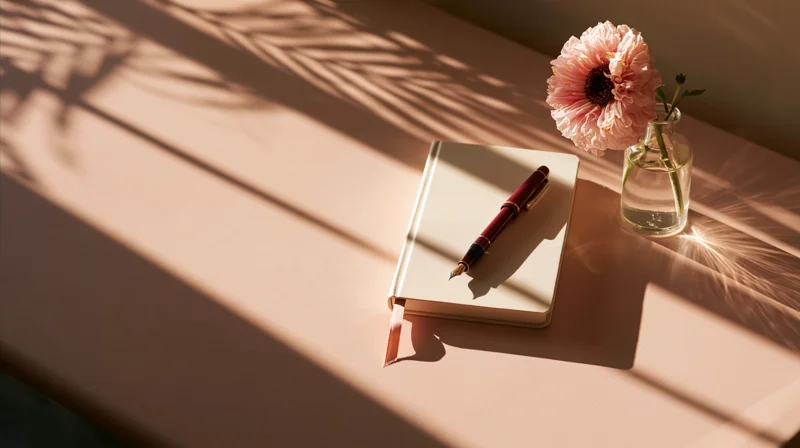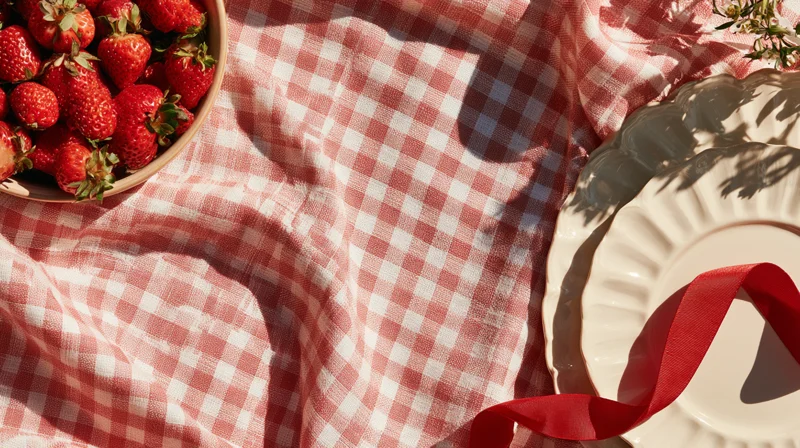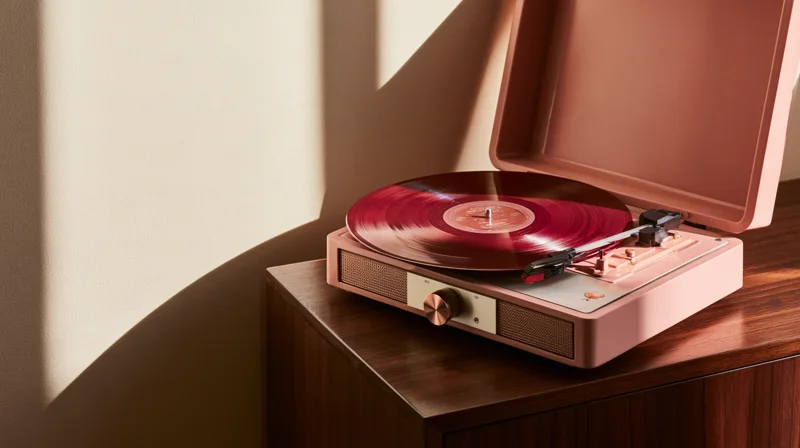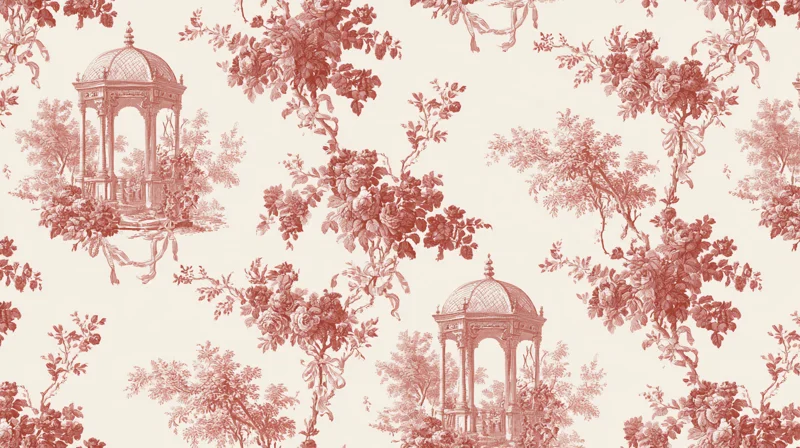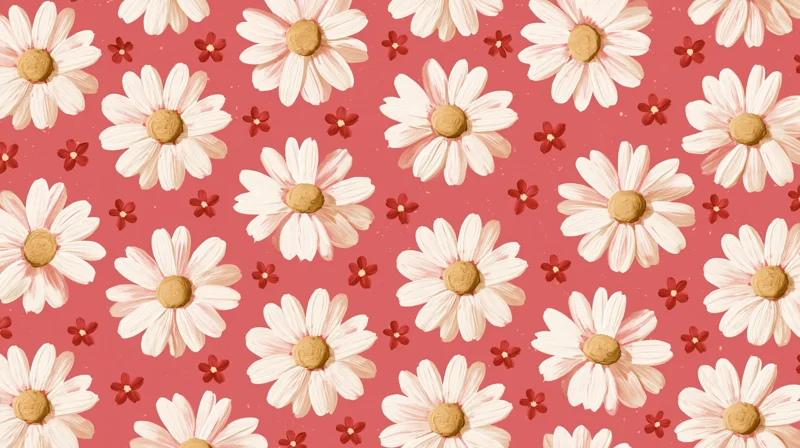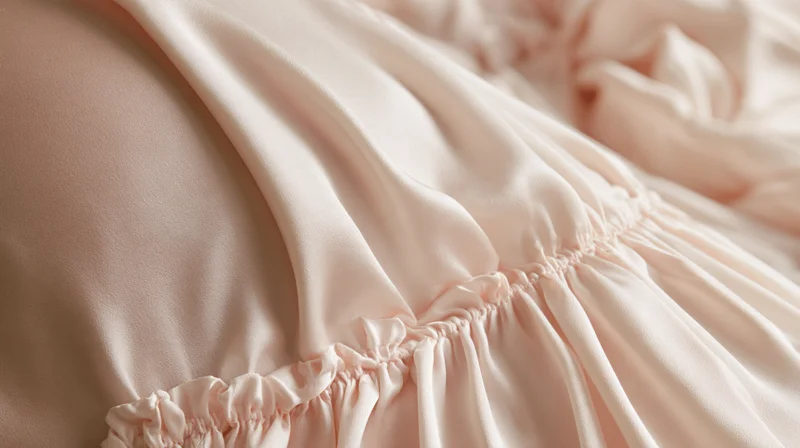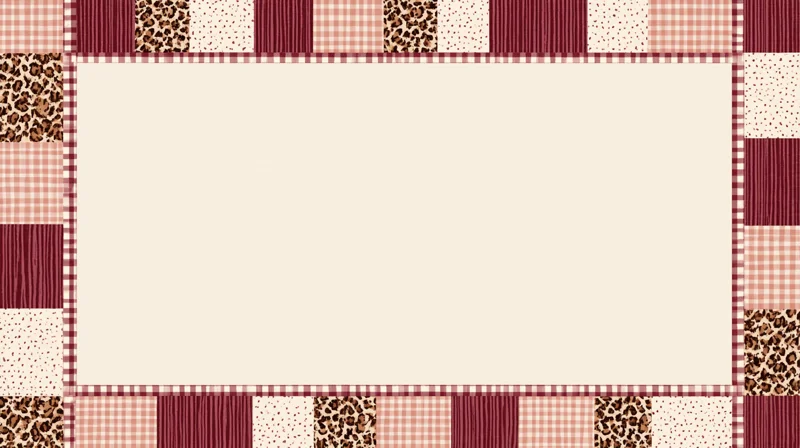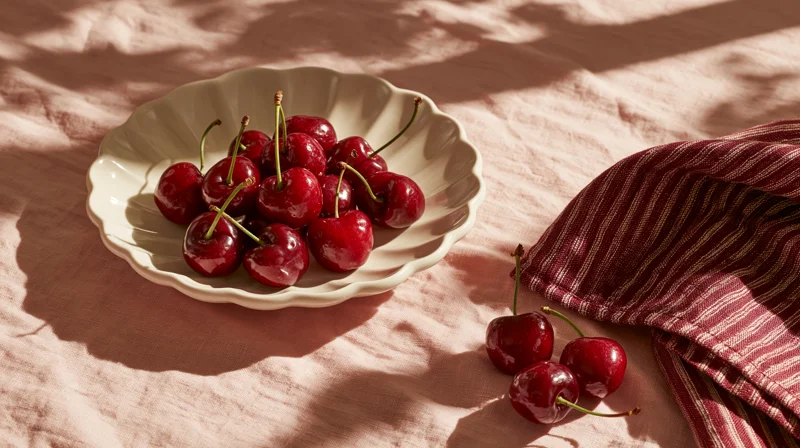

FREE DIGITAL DOWNLOADS
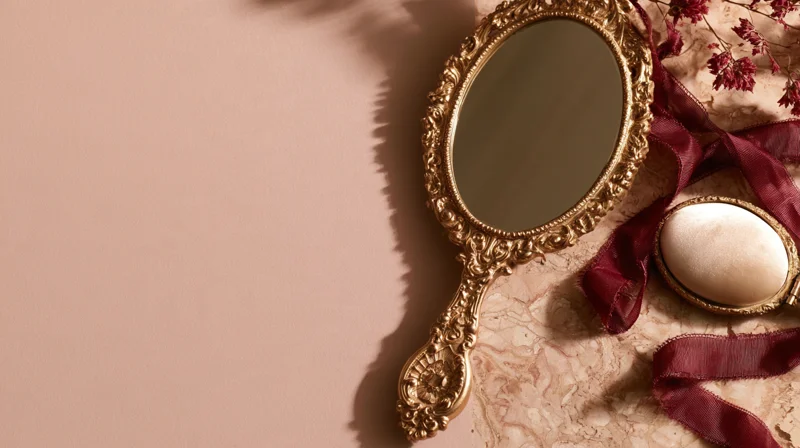
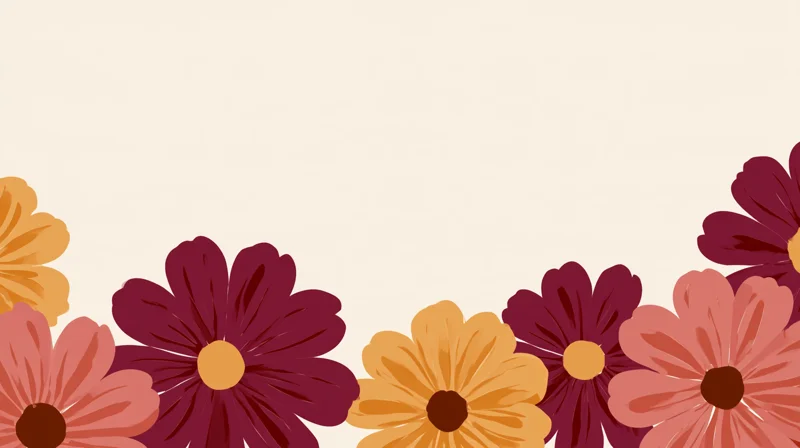
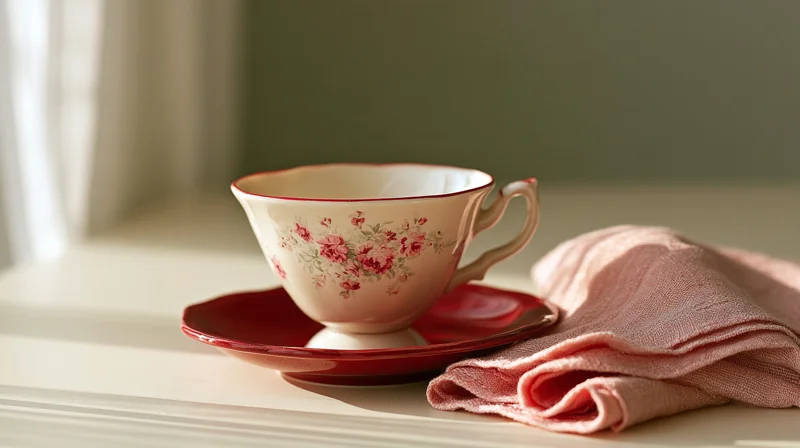
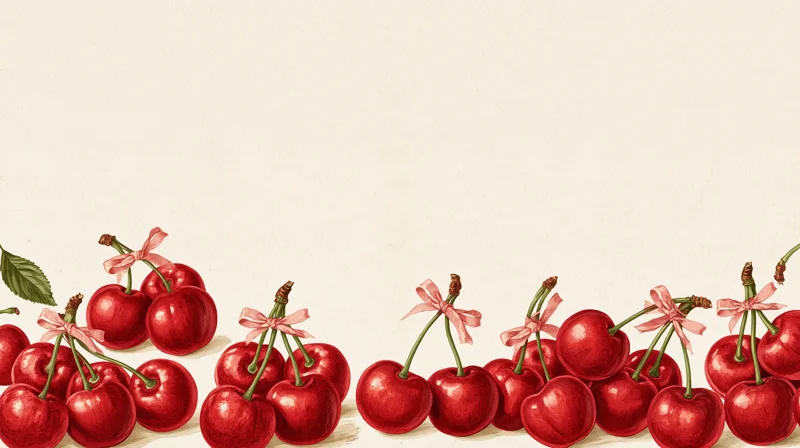
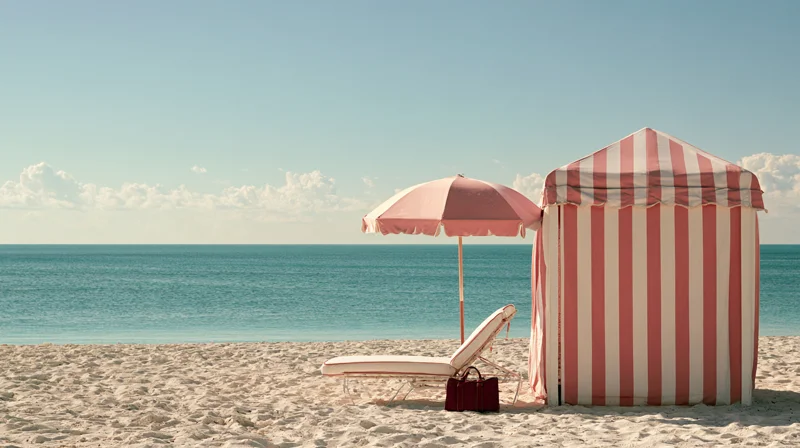
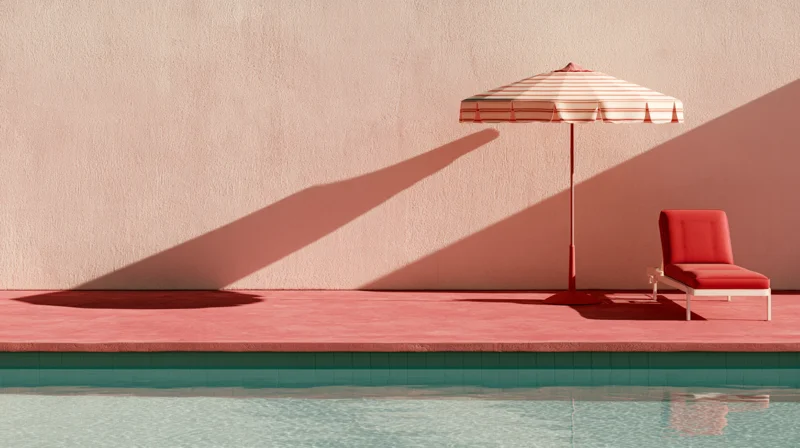
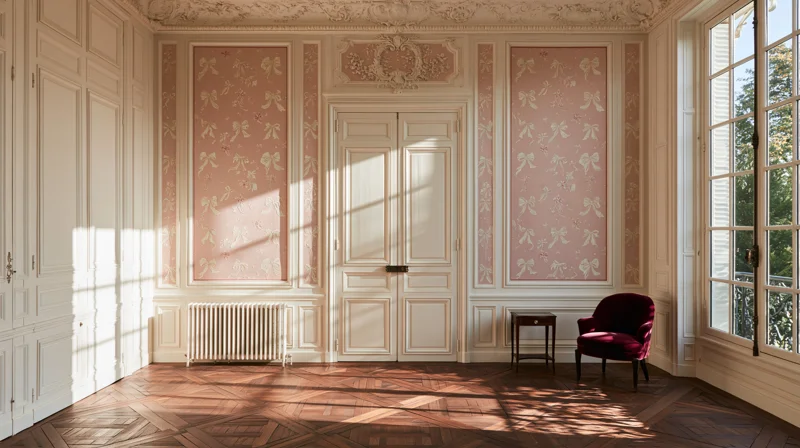
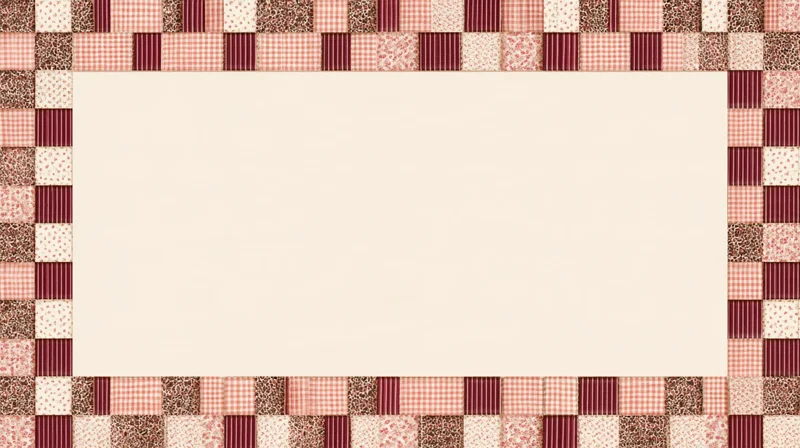
Desktop wallpapers.
Free for personal use only. Not for resale or commercial use.
Choose a design and click Download wallpaper to save the original image. If the original image opens instead of downloading, use your browser’s download or share menu to save it.
How to set your wallpaper & saving tips
Windows
Download your chosen image, then open Settings → Personalization → Background. Choose Picture and browse for the saved file in Downloads. Adjust the fit to suit your screen. Microsoft’s desktop background guide ↗
Mac
Download your chosen image. In Finder, open Downloads, Control-click the saved image and choose Set Desktop Picture. You can also open System Settings → Wallpaper and add your image. Apple’s Mac wallpaper guide ↗
Getting the best fit
Screen shapes vary. Try your computer’s Fit or Fill options where available. Fit keeps the whole design visible; Fill may crop the edges. Use the original download rather than a screenshot for the best quality.
Need help saving?
Click “Open original” below a design, then use your browser’s download or share menu to save the image. If you’re browsing inside Instagram, Facebook or Pinterest, open this page in your usual browser and try again. Save the original image for the best quality; screenshots may include page content and reduce detail.